
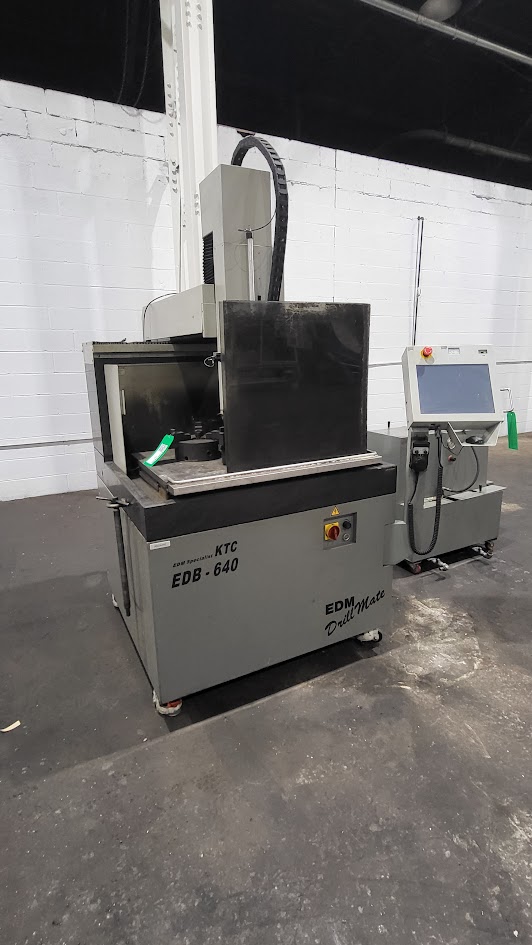
How to Avoid Setup Problems with Affordable Used CNC Machines
Getting started with a used CNC machine can be challenging, especially if the equipment has been sitting idle for a while. Problems do not always show up immediately. In many cases, a machine may seem fine at first, only to develop issues after a few hours of operation. During colder months, warm-up delays, software glitches, and stiff moving parts can make setup even more frustrating.
The good news is that many of these problems can be avoided with a more careful startup process. It does not take advanced technical skills to spot warning signs. A few basic checks before the first production run can help shops avoid downtime, reduce troubleshooting, and get better performance from affordable used CNC machines.
Preparing the Shop Before Startup
Before turning the machine on, it helps to inspect the space where it will be operating. If the shop has been cold or the machine has not been used recently, startup problems are more likely to appear.
- Confirm the power supply: Make sure the available voltage and phase match the machine’s requirements. Some older CNC machines may need electrical adjustments before they can run correctly.
- Inspect wiring connections: Check cables and connectors for wear, loose fittings, or damage that could create interruptions during operation.
- Clean the machine and surrounding area: Remove dust, sticky residue, and light rust that could interfere with switches, table movement, or control components.
The shop does not need to be perfect, but it should be dry, stable, and free from conditions that can interfere with consistent startup and operation.
Calibration, Alignment, and Leveling
Once the machine is in place, it is tempting to start cutting immediately. However, skipped setup steps often lead to the most common early performance issues.
- Check table and tooling alignment: Verify that everything is square and properly aligned on each axis before running a job.
- Confirm home positions: If home positions were not reset correctly, the machine may stall, pull against itself, or move inaccurately.
- Level the machine bed: Use a leveling tool to check both the machine and the surrounding surface. Even slight imbalance can create vibration and affect cut quality.
Precision depends on consistency. When a CNC machine is level and properly aligned, it becomes easier to produce cleaner cuts and more predictable results.
Software and Control Issues During Setup
Used CNC machines can sometimes show their age through software issues rather than obvious hardware problems. A machine may appear mechanically sound but still perform poorly due to outdated or mismatched control systems.
- Verify software compatibility: Make sure the control software matches the firmware version on the machine controller.
- Review logs and files: Corrupted files, stored errors, or outdated programs can create problems during startup and operation.
- Check ports and data connections: USB ports, Ethernet connections, and cables should be clean, secure, and working properly to prevent communication errors.
Loading known-good files before the first test run is a simple way to establish a clean starting point and confirm that the system is responding correctly.
Mechanical Issues That Are Easy to Miss
Some mechanical problems develop quietly, especially after a machine has been sitting idle. Thickened grease, tight travel points, and dry bearings can all create movement issues that are easy to overlook at first.
- Check lubrication points: Grease can harden over time, especially in colder conditions, which makes movement less smooth and increases strain on parts.
- Inspect lead screws and gantry components: Tight spots may suggest grime buildup, binding, or dry bearings that need attention.
- Watch for hesitation during movement: If the machine pauses or drags during travel, stop and inspect the motion system before forcing it further.
Spending a few extra minutes jogging the axes and re-lubricating moving parts can help restore consistency before production begins.
Maintaining Safety and Performance from the Start
A strong startup process does more than improve performance. It also helps protect tools, materials, and the machine itself. Running a test cut on scrap material before starting a real job can reveal issues without risking valuable workpieces.
- Listen for unusual sounds: Grinding, humming, or other unfamiliar noises may point to developing mechanical trouble.
- Monitor temperature: If motors or electronics heat up too quickly, stop the machine and inspect airflow, cooling fans, and internal components.
- Use a startup checklist: Testing home positions, dry-running a toolpath, and checking spindle load can help catch problems early.
Many early production problems are rooted in setup, not operator error. Careful attention during startup makes troubleshooting easier and helps prevent small issues from turning into major repairs.
Start Strong with the Right Setup Approach
Affordable used CNC machines can offer real value, but success depends on proper setup from the beginning. Many common issues come from small things that are easy to miss, such as rushed connections, outdated software, hardened grease, or a machine that is slightly out of level.
By taking time to prepare the shop, verify alignment, inspect controls, and test movement before the first production job, businesses can reduce downtime and get more reliable performance from their equipment. A careful setup process leads to smoother operation, better cut quality, and fewer interruptions over time.
If you are looking for dependable affordable used CNC machines, Allset Machinery offers quality equipment to help shops improve efficiency and stay productive with confidence.